

Back to overview
Insights
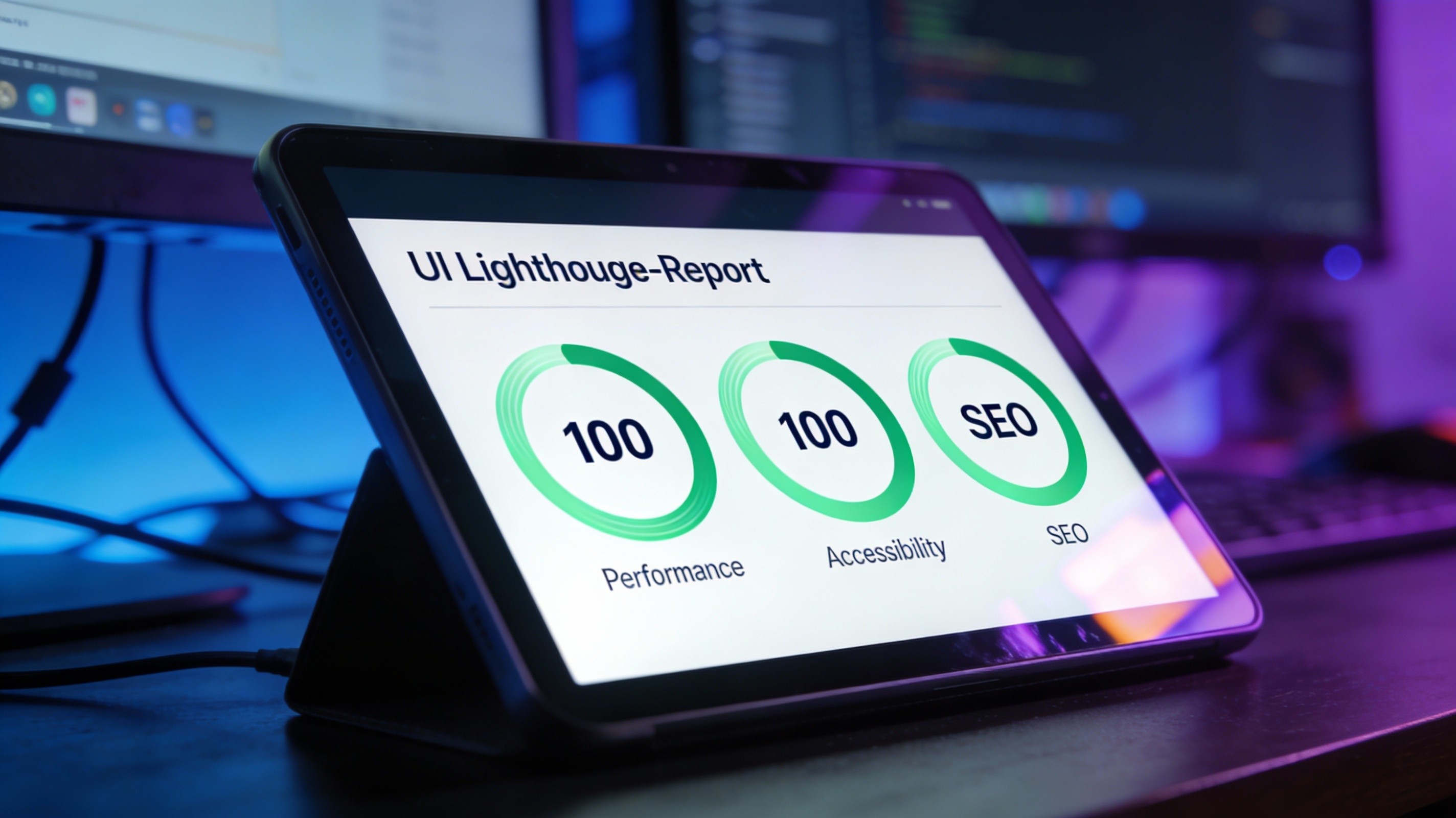
Ranking #1 Without Plugins. Why Framer Wins Technical SEO.
"Framer is bad for SEO."
I hear this myth every week. Usually from WordPress developers who are afraid of losing their clients.
Here is the cold, hard truth: Google does not care which tool you use to build your site. Google cares about two things: Content Relevance and User Experience (Performance).
And when it comes to performance, a well-built Framer site beats almost every traditional WordPress setup. Here is why.
1. Code Quality: Clean vs. Bloated
Traditional page builders (like Elementor or Divi) are notorious for "div soup." They wrap a simple headline in five layers of unnecessary code just to display it. This confuses search engine crawlers and slows down reading time.
Framer generates Semantic HTML.
When I build your site, I define exactly what is a Heading (<h1>), what is a Navigation (<nav>), and what is a Footer (<footer>). This clean structure makes it incredibly easy for Google to understand and index your content.
2. Speed is a Ranking Factor
Since 2021, Google’s "Core Web Vitals" have been a confirmed ranking factor. If your site is slow, you are invisible.
The Old Way: A user requests your site. The server wakes up, queries a database, executes PHP scripts, and finally sends the page. This takes time.
The Maxtronaut Way: Framer sites are static and pre-rendered. They are hosted on a global Content Delivery Network (CDN). When a user clicks, the site is already there. Instant loading means happier users and better rankings.
3. You Don’t Need "Yoast"
Clients often ask me: "But where do I install the SEO plugin?"
You don't.
A plugin like Yoast is just a checklist. It doesn't magically make you rank.
Framer has professional technical SEO controls built directly into the core. I can manage meta titles, descriptions, open graph images, and sitemaps natively without adding a single line of external bloatware to your project.
The Verdict
You don't need a plugin to rank on Google. You need a fast, accessible, and well-structured website filled with good content.
While your competitors are still updating their plugins to fix security holes, your Framer site is already loading.
Stop fighting with technology. Start ranking.
I build websites that Google loves because they are built for speed, not for plugins.
++ SUBSCRIBE FOR UPDATES ++
++ KEEP BUILDING ++
++ STAY CREATIVE ++
Weekly Input
No spam. Just design nerd stuff, code snippets, and updates on my projects.